Create Your Coach Account
- Download 360Player from the App Store or Google Play
- Select ‘Create Account’
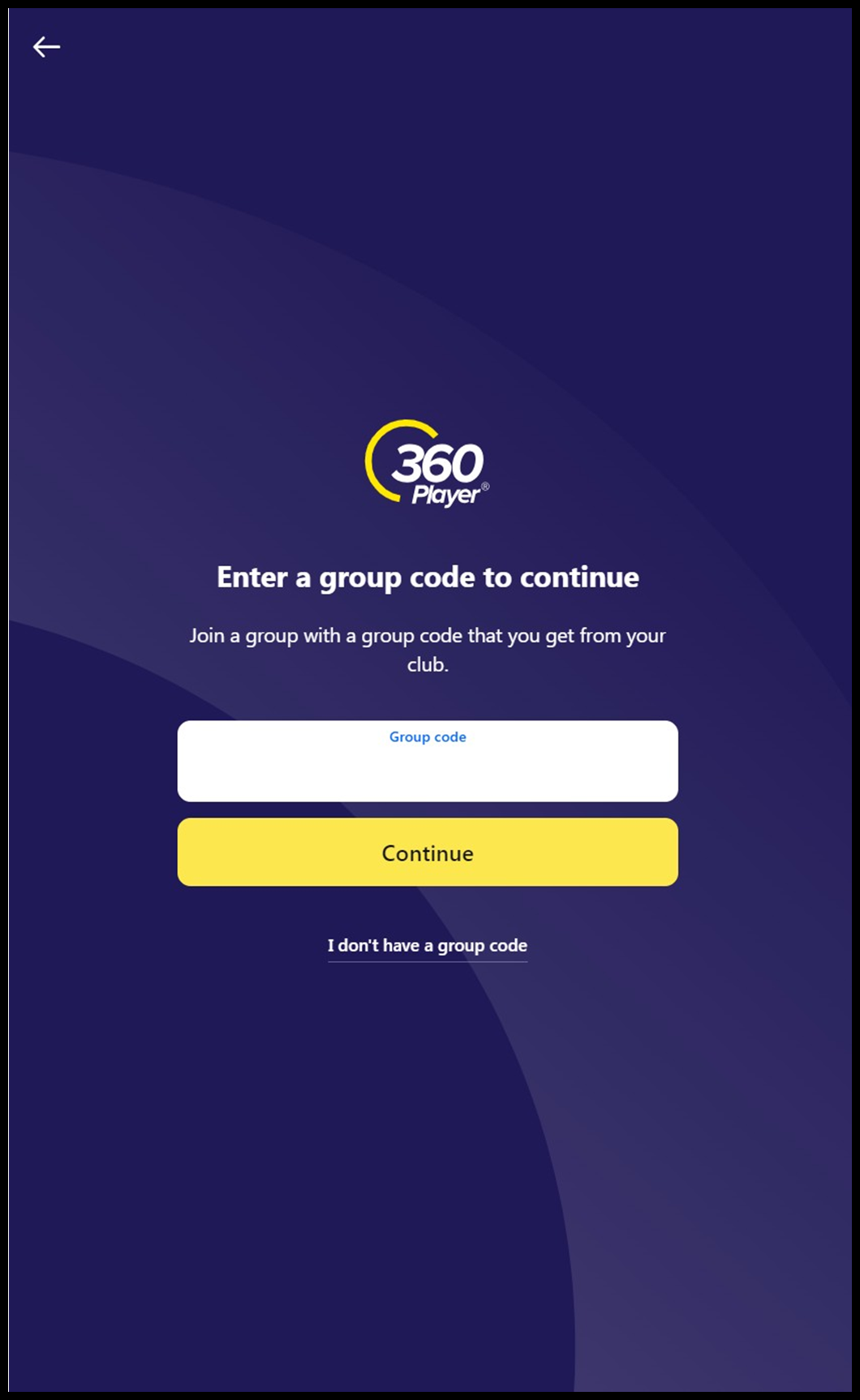
- Enter the group code – KZVL7K
- Confirm this is the correct group code you want to join, and press continue.
- Select I’m a coach or staff, and press continue.
- Once complete, you will be pending approval till and admin accepts you. After acceptance, please view the wall post and complete the E-Learning tasks.
If you have a child who is also a member of the club, you can create their account later after you understand the basics of the platform.