
Admin and Communication
Clear, timely communication and good organisation are essential for running a successful grassroots team. As team manager, you are responsible for ensuring players, parents, coaches, and the club are kept informed and that all necessary admin tasks are completed accurately and on time.
Communication with Parents and Players
- 360Player is the club’s official operating platform, and all team-related communication must be carried out through the app.
- https://learn.360player.com/courses/communication
- Share key information in advance: training times, match details, venues, kick-off times, kit colours, and any changes.
- https://learn.360player.com/courses/calendar
- Maintain a calm, respectful tone at all times, even when dealing with late cancellations or difficult situations.
- Ensure parents are informed about club expectations, including player behaviour, attendance, and safeguarding protocols.
Team Admin Responsibilities
- Player Registration: Ensure all players are correctly registered with the club and the league before the season starts. Check for photo ID and parent consent forms.
- Availability Tracking: Keep an up-to-date record of player availability for training and matches.
- Matchday Records: Submit team sheets if required by the league, track scores, goals, and player appearances. cancellations or difficult situations.
- Injury Records: Log any injuries and notify the club’s Welfare Officer or relevant contact as appropriate.
- Attendance Monitoring: Keep records of who attends training and matches. This helps with player development tracking and safeguarding.
Chat
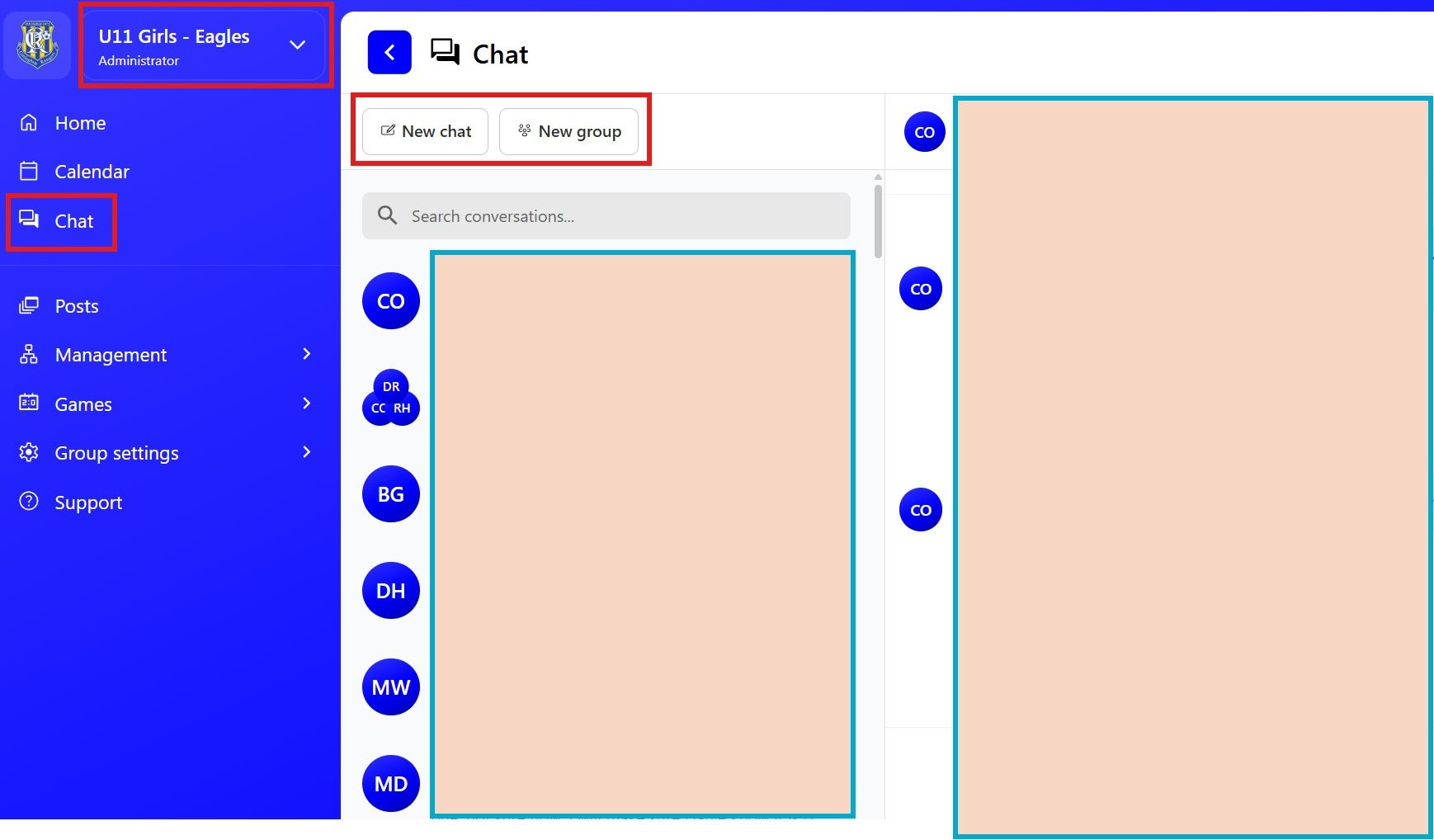
- Fully integrated chat feature within 360Player — keeping all club communication in one secure place
- Select the relevant group to message the exact members you need to reach
- Start either a one-to-one conversation or create a dedicated group chat
- Access short, easy-to-follow tutorial videos to help you get the most from the chat feature:
https://learn.360player.com/courses/communication
Wall
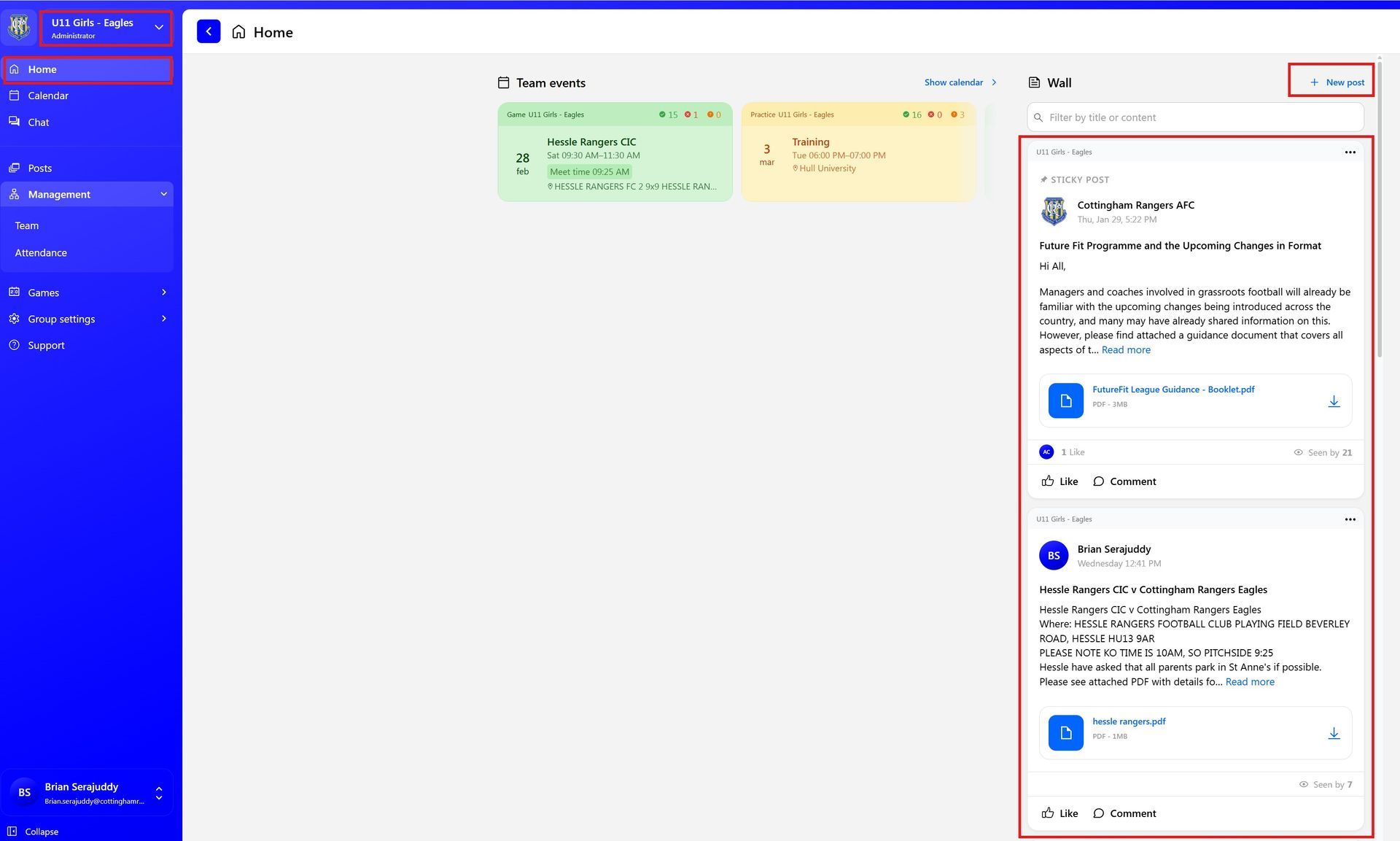
- Wall posting feature within 360Player allows you to share key information quickly and clearly
- Select the relevant group and publish a single post that instantly reaches all members
- Ideal for:
- Sharing match details (venue, directions, kick-off time, matchday instructions)
- Posting match reports and highlights
- Announcing presentations, events, or important club updates
- Celebrating team achievements and player milestones
- Watch these short, easy-to-follow tutorial videos to get the most from the Wall feature:
https://learn.360player.com/courses/communication
